How to Set Up GoHighLevel (GHL): A Step-by-Step Guide
A step-by-step GoHighLevel (GHL) setup guide: domains and email, phone and A2P, pipelines, calendars, workflows, testing, and the mistakes to avoid.
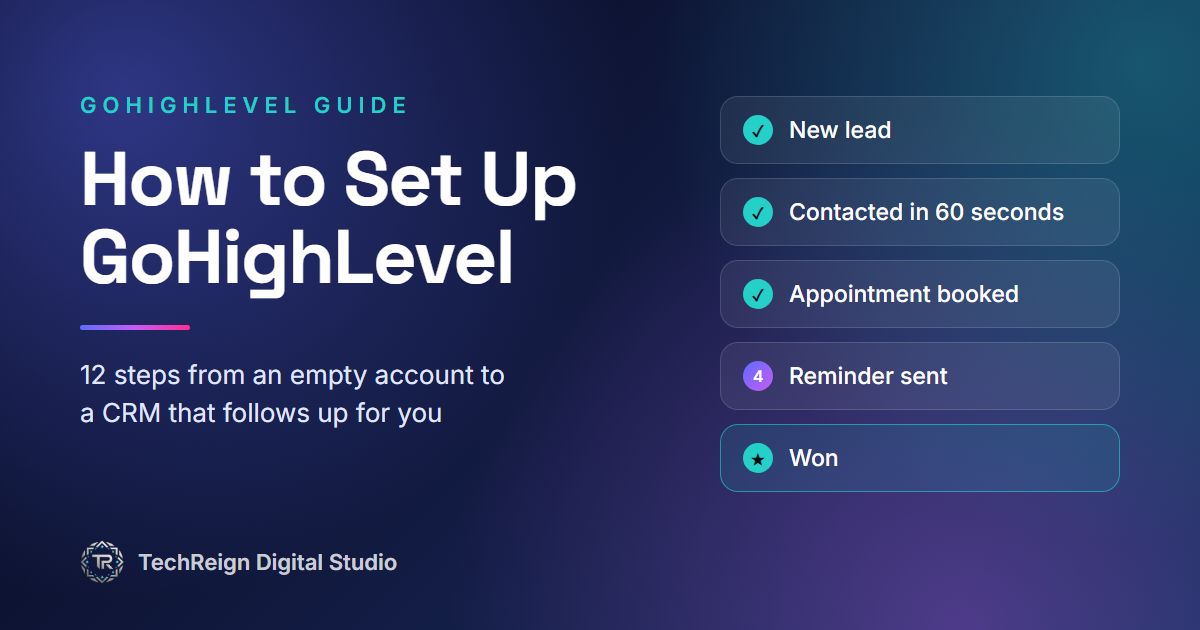
GoHighLevel can replace your CRM, funnel builder, booking tool, email platform and review tool with one account. But a new account is empty, and the way you set it up decides whether it becomes the system that runs your sales or one more subscription nobody uses.
This guide follows the order we use when we build a GoHighLevel account for a client. Along the way it points out the mistakes we see most often in accounts we are asked to fix.
Before you start
Pick the right plan. A single business can usually start on the entry plan. Agencies that manage clients need a plan with unlimited sub-accounts, and SaaS mode, which lets you resell GoHighLevel under your own brand, is only on the top agency plan. Texts, calls, email sending and AI features are billed by usage on top of the plan, so budget for them. Plans and prices change, so check GoHighLevel's own pricing page before you buy.
Gather what you need. You will need access to your domain's DNS settings, your business's legal details (name, address and tax number), your logo and brand colors, and a list of the services you sell.
Map your sales process on paper. Write down where leads come from, what should happen in the first five minutes, who follows up, and what counts as won or lost. Everything you build later follows this map.
Step 1: Business profile and settings
Fill in your business name, address, logo and, most importantly, your time zone. Calendars and every timed message in your workflows run on it, and a wrong time zone is a classic cause of reminders arriving at 3 a.m. Then add your team as users and give each person only the permissions they need.
Step 2: Connect your domain and set up email sending
Connect a domain or subdomain for your funnels and website pages. Then set up a dedicated email sending domain, usually a subdomain such as mail.yourbusiness.com, and add the DNS records GoHighLevel gives you. Add a DMARC record too. Without your own sending domain, your emails go out from a shared domain and are far more likely to land in spam.
Step 3: Get a phone number and register for A2P 10DLC
If you text US phone numbers from a normal 10-digit number, carriers require A2P 10DLC registration, and unregistered messages get filtered or blocked. In GoHighLevel you register a brand first, with legal details that must match your official records exactly, and then a campaign: what you send, sample messages, and how people agree to receive them.
Your website needs a privacy policy, and your forms need clear SMS consent wording, before you apply. Approval can take a while, so start this early. If you run an agency, each client sub-account needs its own registration.
Step 4: Custom fields, tags and the contact record
Decide what you need to know about every lead: the service they want, their budget, where they came from, their location. Store facts in custom fields and use tags for status and segments, with one naming pattern such as "source: facebook-ads". The mistake to avoid is dozens of one-off tags that nobody remembers creating.
Step 5: Build your pipelines
Create one pipeline per sales process, with five to seven stages that match what really happens: New lead, Contacted, Appointment booked, Showed, Proposal sent, Won and Lost. Every stage should have an owner and an obvious next action. If a stage has neither, delete it.
Step 6: Calendars and booking
Set your availability, buffers between meetings and the meeting location, whether that is a phone call, Zoom or Google Meet. Connect your Google or Outlook calendar so nobody gets double-booked. Then add a confirmation message plus reminders, for example 24 hours and one hour before, which is one of the simplest ways to cut no-shows. A booked appointment should move the lead to "Appointment booked" in your pipeline automatically.
Step 7: Forms, funnels and your website
You can build landing pages and full websites inside GoHighLevel, or keep your current website and embed GoHighLevel forms and calendars in it. Either way, every form should create or update a contact, tag where the lead came from, and open an opportunity in the right pipeline. Add the SMS consent checkbox here too.
Step 8: Workflows that follow up automatically
This is where GoHighLevel earns its price. Start with four workflows:
Give every workflow a clear trigger, a clear exit condition and one owner. Overlapping workflows that send the same lead three messages at once are the most common problem we find in existing accounts.
Step 9: Reputation management
Connect your Google Business Profile, then send review requests automatically after a completed job or appointment, while the experience is fresh. Reply to every review, good or bad, from the same place.
Step 10: Integrations and payments
Connect Stripe to take payments and send invoices. Send leads from Facebook and Instagram lead forms and Google Ads straight into GoHighLevel, and bring Facebook, Instagram and Google Business Profile messages into the shared inbox so your team answers everything from one screen. For tools without a built-in connection, use Zapier or webhooks.
Step 11: Test everything end to end
Before you go live, act like a customer. Submit every form with a test contact, book a test appointment, and check that every email and text arrives with the right name, links and timing. Watch the lead move through the pipeline. Then delete the test data so it does not pollute your reports.
Step 12: Train your team and save a snapshot
Show your team where new leads appear, how to move deals through the pipeline and how to reply from the LeadConnector mobile app. If you are an agency, save the finished account as a snapshot, a reusable copy of its pipelines, workflows, funnels and fields, so every new client starts from a fully built account.
Common GoHighLevel setup mistakes
Do it yourself or get help?
If you are comfortable with software, a single business can follow this guide step by step. If you run an agency, are moving over from ClickFunnels or HubSpot, or want SaaS mode, a setup partner can save you weeks of trial and error. That is what we do: see our GoHighLevel setup and automation service, or tell us about your project.
FAQs
How long does it take to set up GoHighLevel?
It depends on scope. A single pipeline with a booking calendar and a follow-up workflow can be live quickly, while a full agency build with snapshots, SaaS mode and migrations takes longer. A2P approval can add waiting time if you text US numbers.Do I need A2P 10DLC registration for GoHighLevel?
If you send texts to US phone numbers from a standard 10-digit number, yes. Without it, carriers filter or block your messages.Can GoHighLevel replace my website?
It can host your website and funnels. You can also keep your current website and embed GoHighLevel forms and booking calendars in it.What is a GoHighLevel snapshot?
A snapshot is a saved copy of an account's setup, including pipelines, workflows, funnels, calendars and custom fields. Agencies load snapshots into new sub-accounts so every client starts with a fully built system.Can you move us to GoHighLevel from ClickFunnels or HubSpot?
Yes. We move your contacts, pipelines and key pages, rebuild your automations natively in GoHighLevel, and plan the switch so nothing is lost in between.Related Articles
Web Development Companies Near Me That Actually Deliver Real Results
Find trusted web development companies near me that build fast, secure, and beautiful websites for real business growth and local success.
Tech Reign: The Story Behind TechReign Digital Studio
Tech Reign, or TechReign Digital Studio, is a web development and GoHighLevel studio founded by Talha Mubeen in Rawalpindi in 2025. This is our story.
Ready to Transform Your Digital Presence?
Get expert help with web development, SEO, and design from the TechReign team.
Get Started